


Description
ICOM IC-A220 Bluetooth adapter (dual source) for SkyDemon — SD-Link A220-DS.
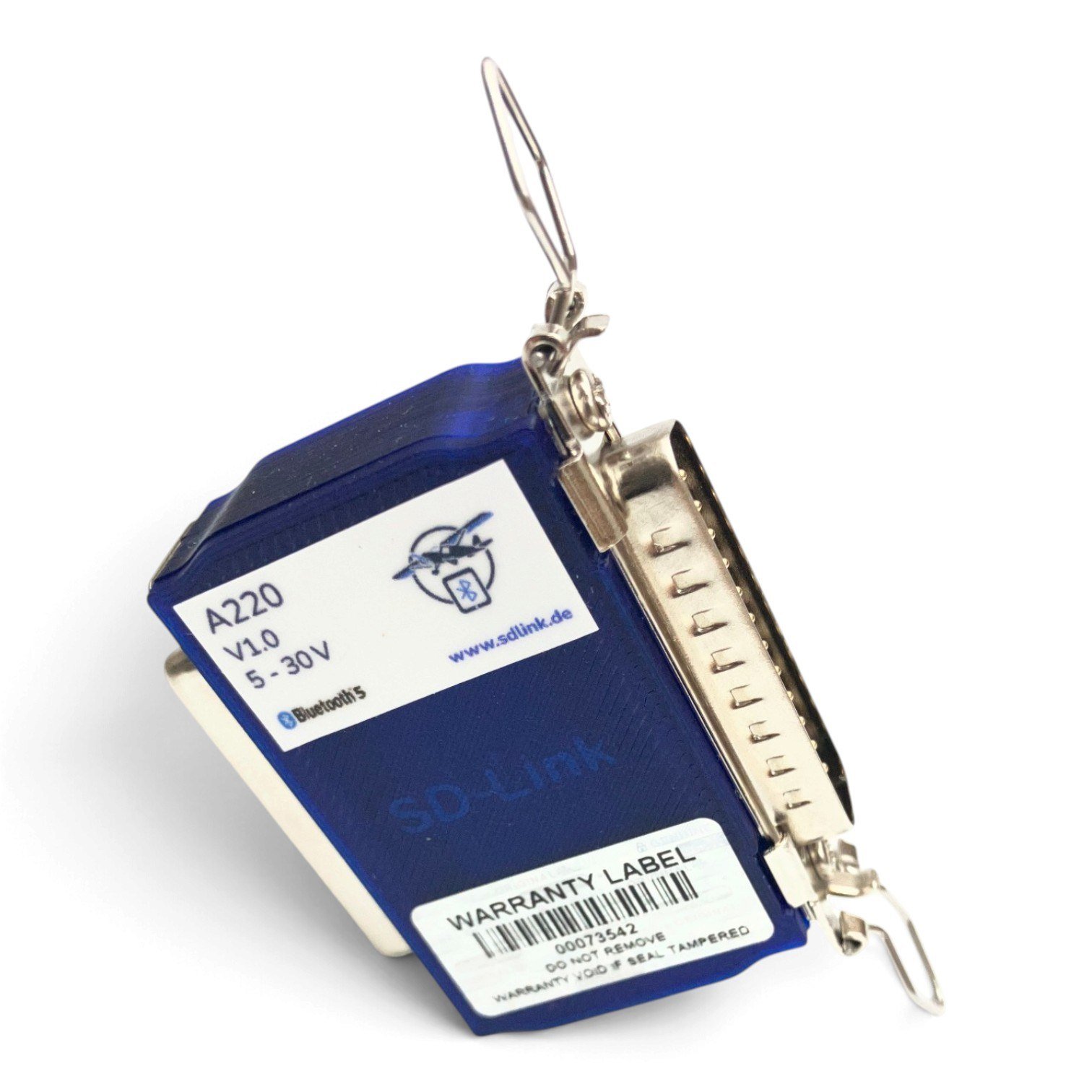
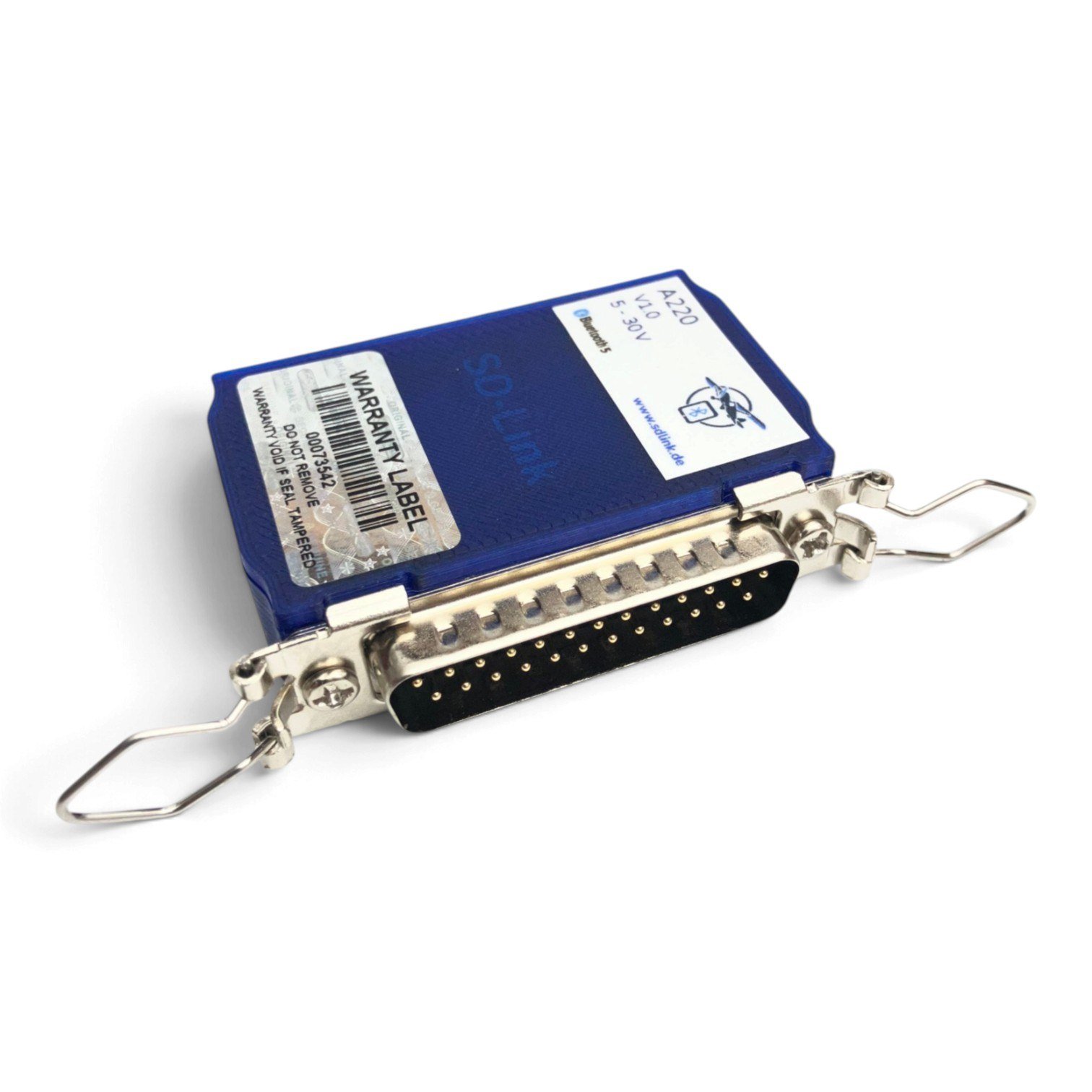
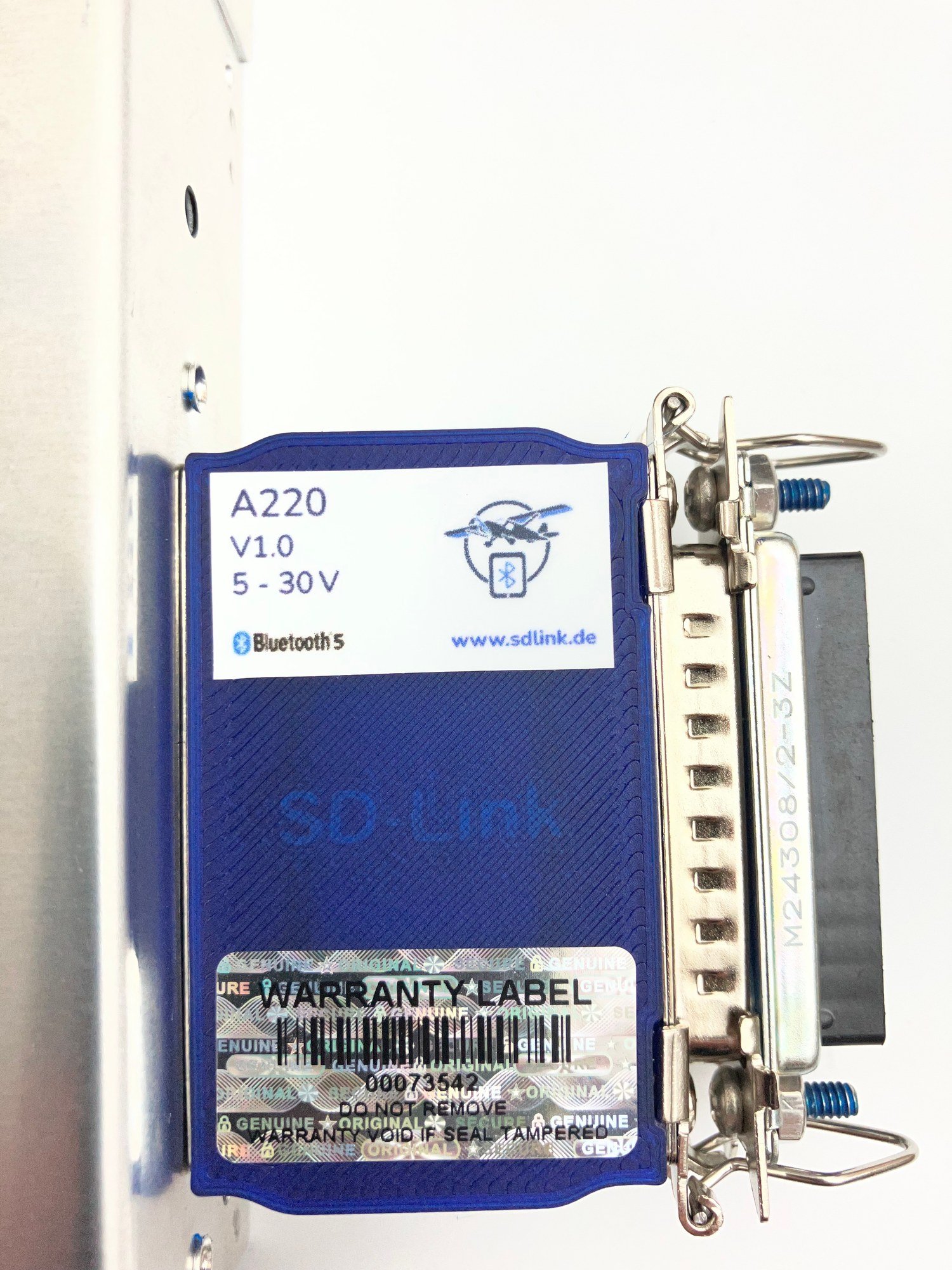
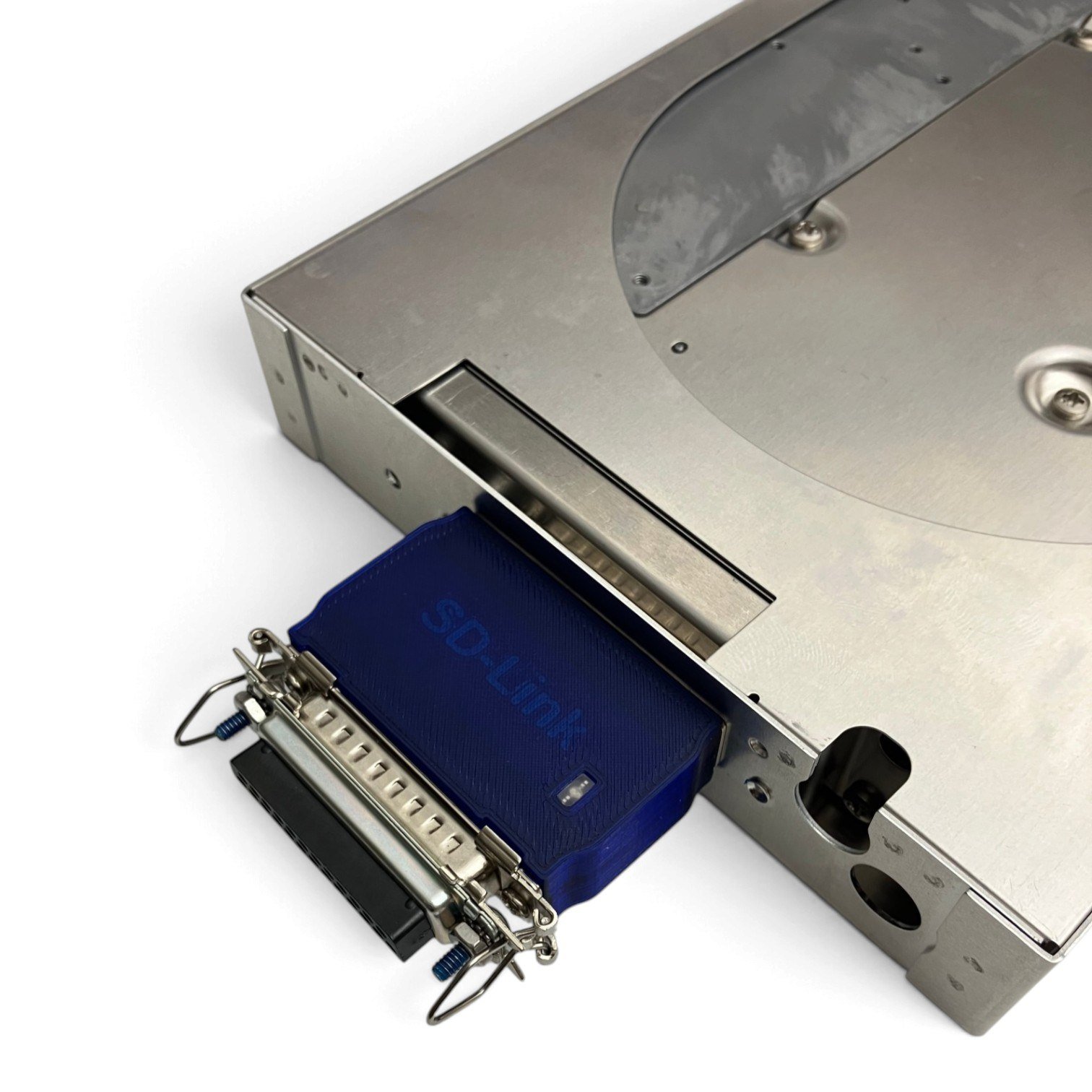
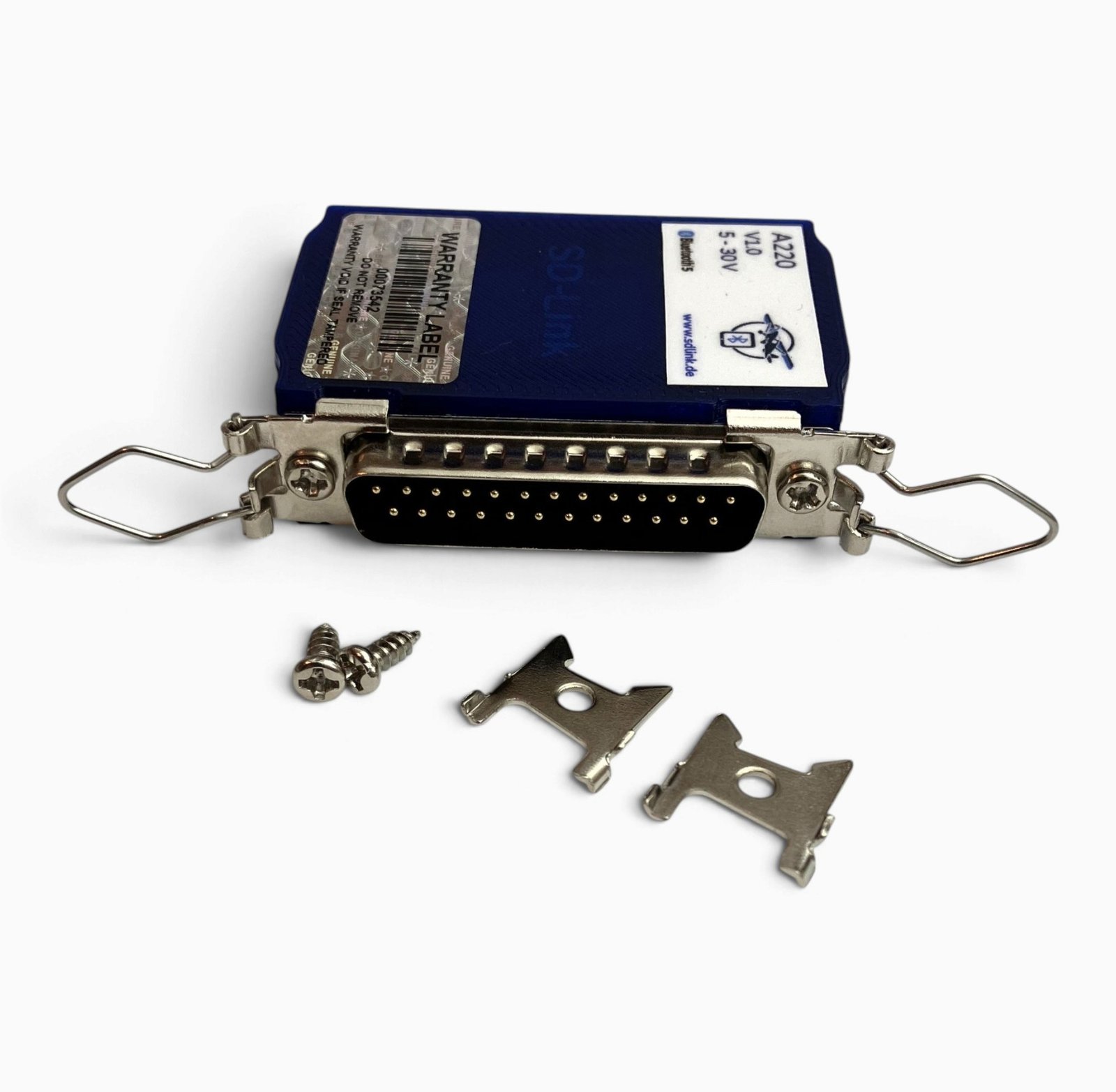
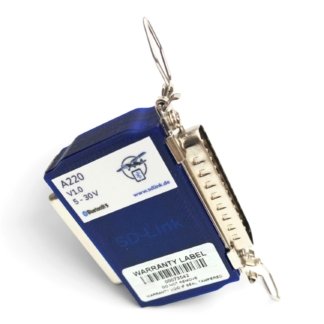
The SD-Link A220-DS is a compact Bluetooth adapter for the ICOM IC-A220 VHF radio. It screws directly between the existing 25-pin Sub-D connector and the radio's mounting tray, requiring no additional wiring. You then send the active and standby frequencies directly from your navigation app to the radio via Bluetooth Low Energy (BLE). No more reading and manually adjusting them, and you can keep your eyes on the ground.
The adapter recognizes both channel spacings, 8,33 kHz and 25 kHz. It automatically detects which spacing a frequency requires and adjusts the radio accordingly; you don't need to change anything on the device.
As a dual-source adapter, the A220-DS accepts frequencies from two sources: your app via Bluetooth and a hardwired EFIS that controls Garmin-compatible radios. Both sources are treated equally; the frequency that was last transmitted takes precedence. The EFIS connects to the Sub-D connector via the existing wiring harness.
Key Features
- Compatibility: For the ICOM IC-A220. Not compatible with the IC-A210 and IC-A210E.
- Both channel grids: Active frequency and standby frequency in 8,33 kHz and 25 kHz increments; the adapter selects the appropriate mode automatically.
- Second source: An EFIS with Garmin-compatible radio control can also transmit frequencies (Dual Source).
- Simple installation: The adapter is screwed between the existing socket and the radio; lens head screws and retaining clips are included.
- Power supply: No additional power supply is required; the adapter is powered via the radio, in both 12V and 24V vehicle electrical systems. The adapter has an integrated, self-resetting fuse. Reverse polarity protection is included.
- Navigation apps: Works with all GTR225-compatible apps, for example SkyDemon, Sky-Map, VFRnav and EasyVFR. Operating systems: Android and iOS.
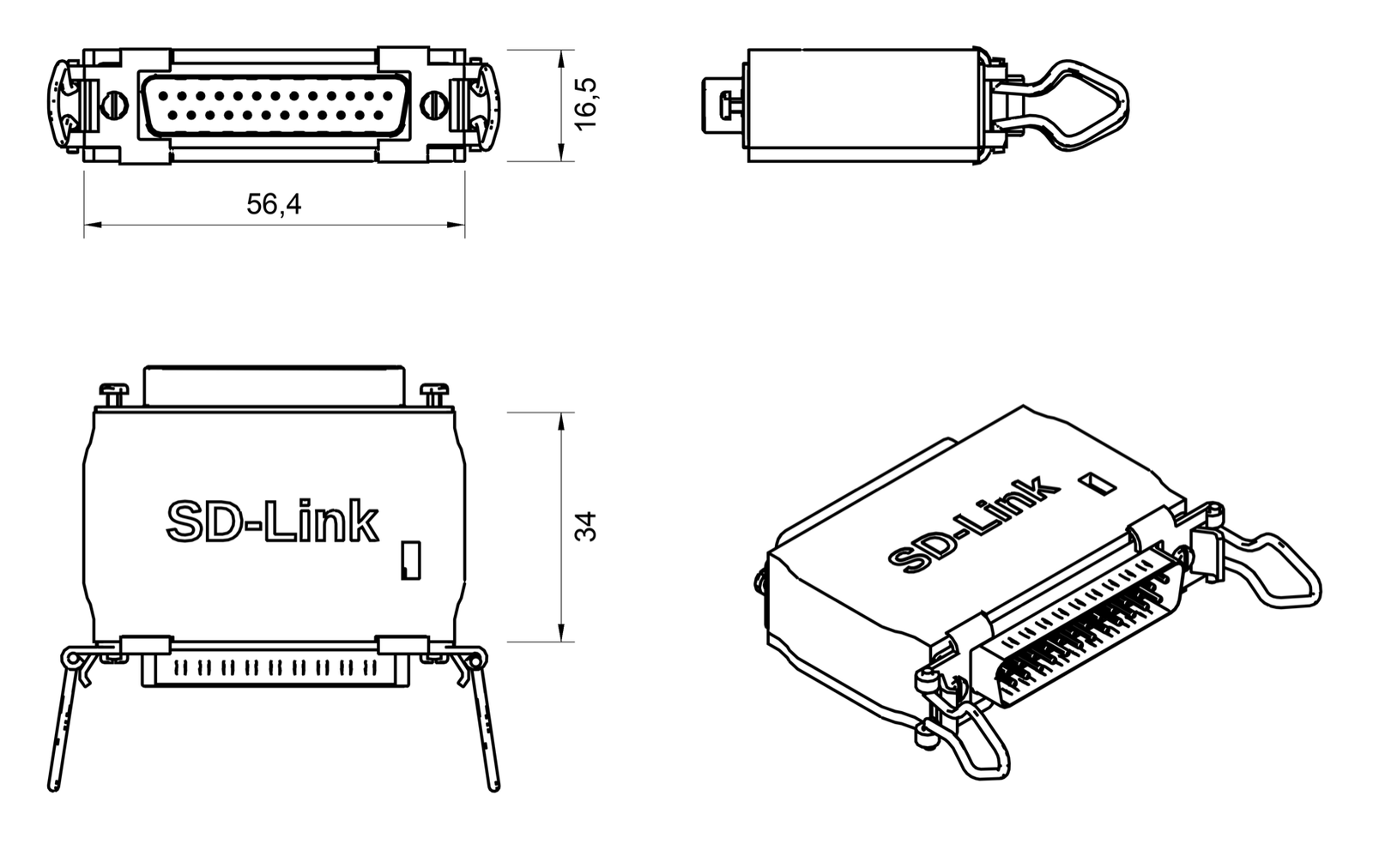
- Compact design: Dimensions 56,4 × 34 × 16,5 mm, Weight 50 gr.
- Comprehensive instructions: Installation and configuration instructions are available at Instructions & data sheets ready.
- Support from Germany: If you have any questions about installation or the app, you can contact us directly at info@sdlink.de.
What you should know beforehand
The SD-A220-DS sets frequencies from your navigation app directly on the ICOM IC-A220.
What the adapter can do
- Set the active frequency and standby frequency from the app.
- In the 8,33 kHz and 25 kHz channel spacing. The adapter selects the appropriate mode automatically; you don't need to change anything on the radio.
For which devices
- Tested on the ICOM IC-A220.
- The adapter is not compatible with the IC-A210 and the IC-A210E.
Important note: According to German regulations, the installation of this adapter is permitted only in experimental and ultralight aircraft. The adapter is not approved for certified aircraft. Outside of Germany, please check the applicable regulations in your country.

Reviews
There are no reviews yet.