

Description
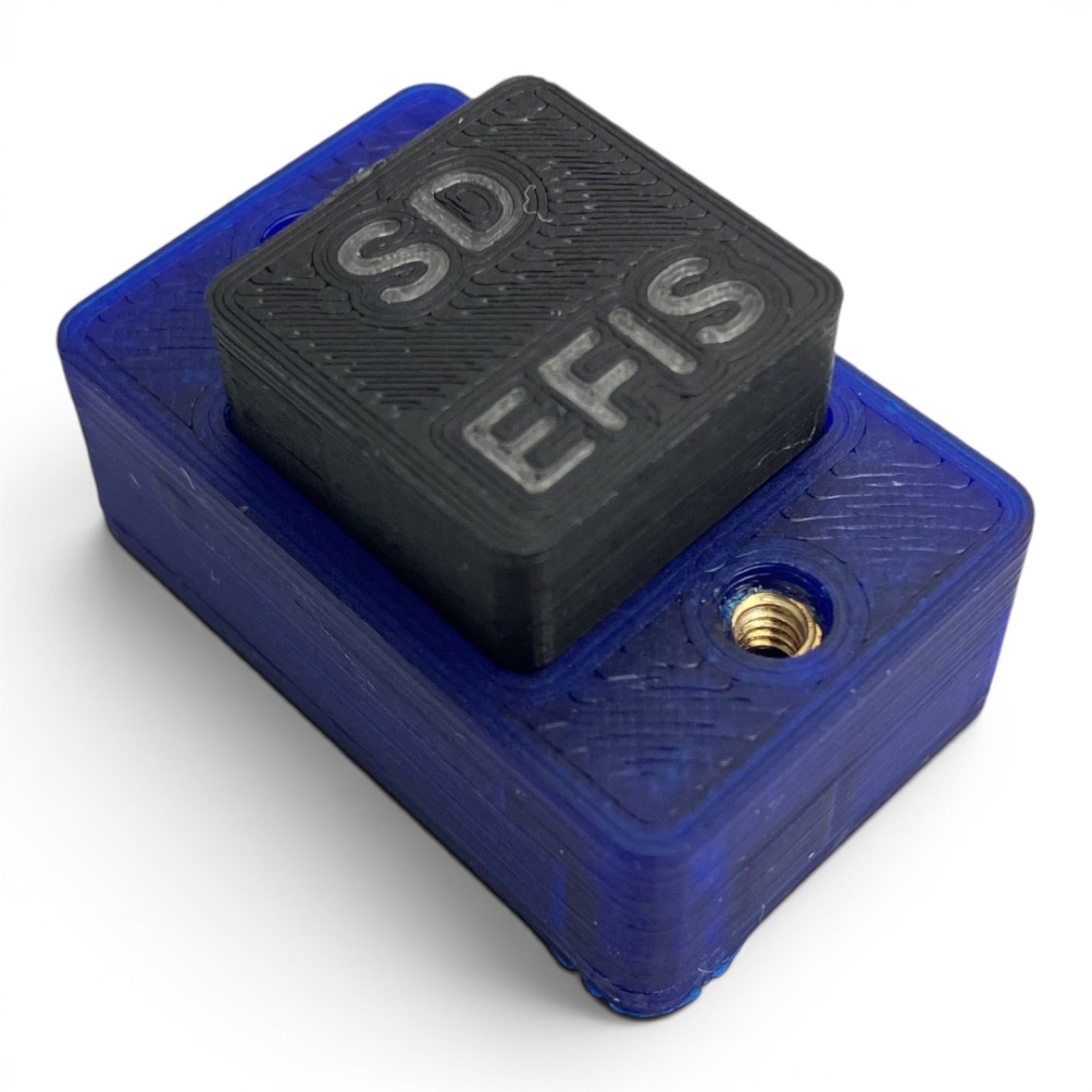
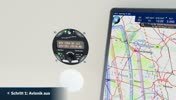
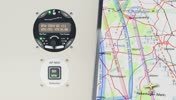
Cockpit control unit for the SD-ProPilot-E — source selection and status directly on the panel. SD-INTELLI-SWITCH.
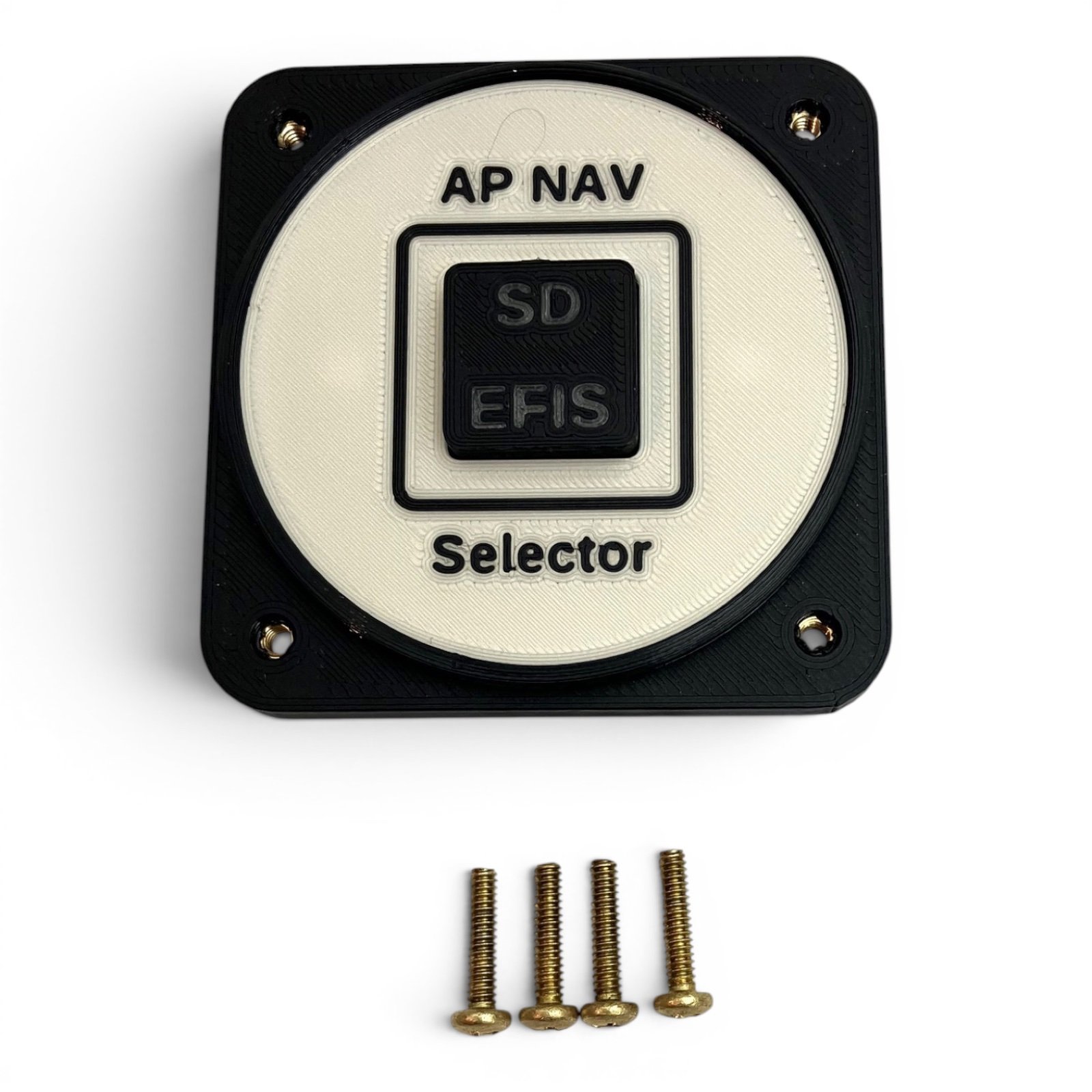
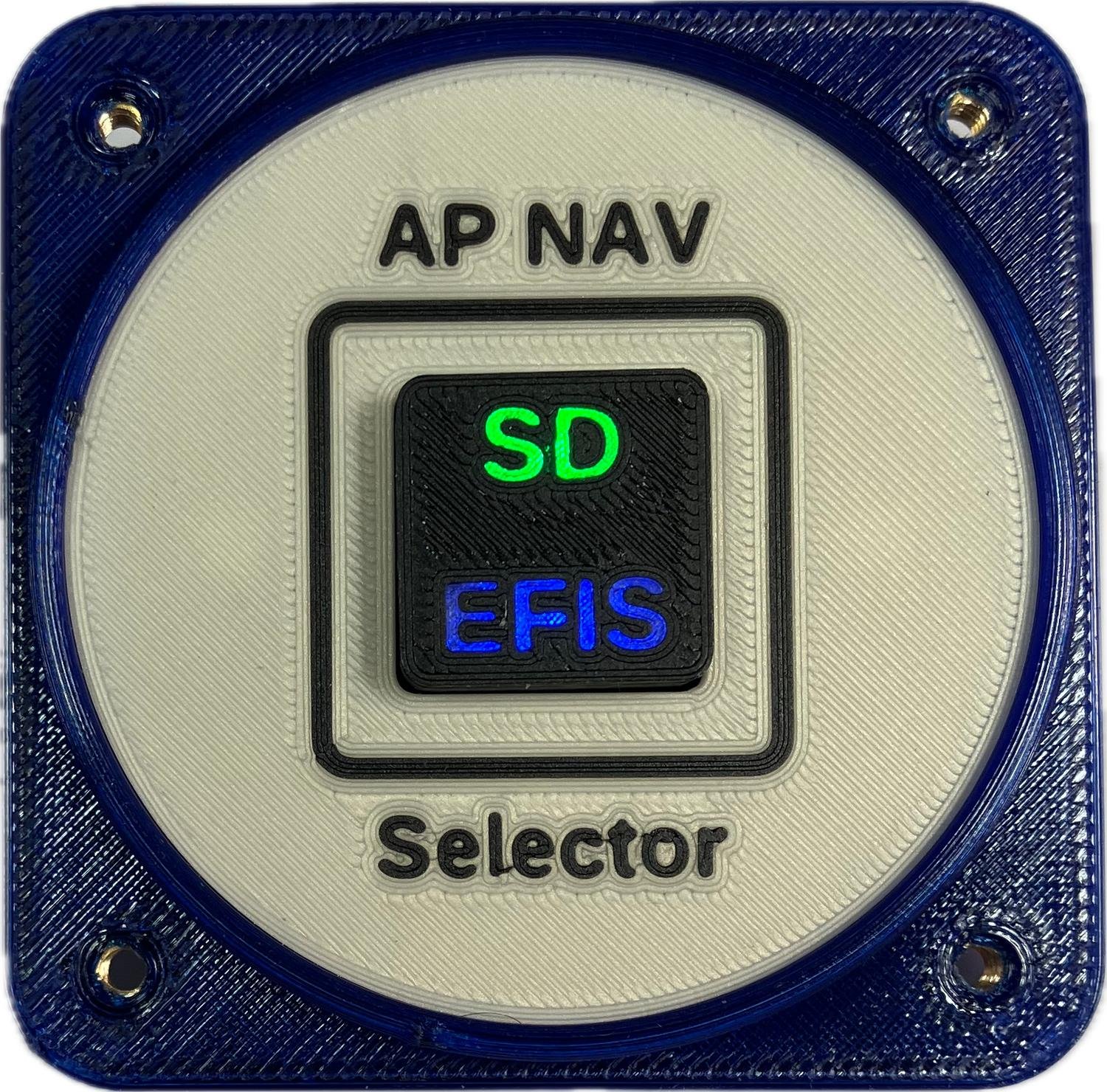
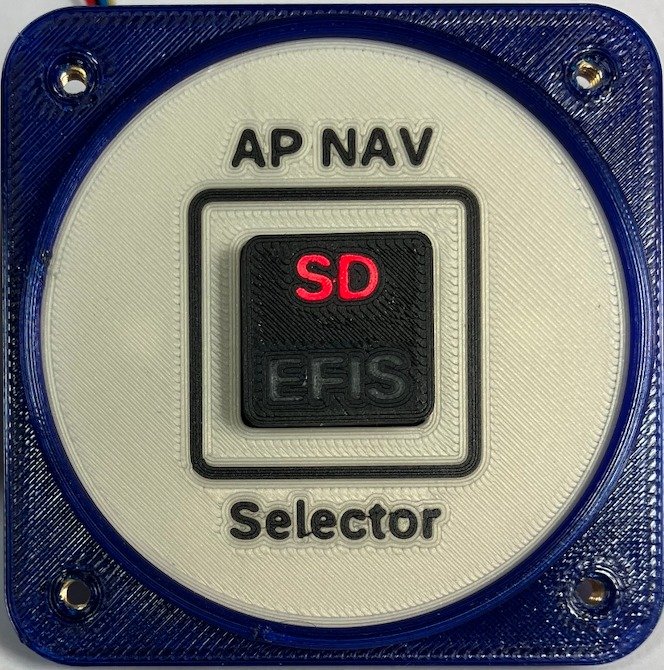
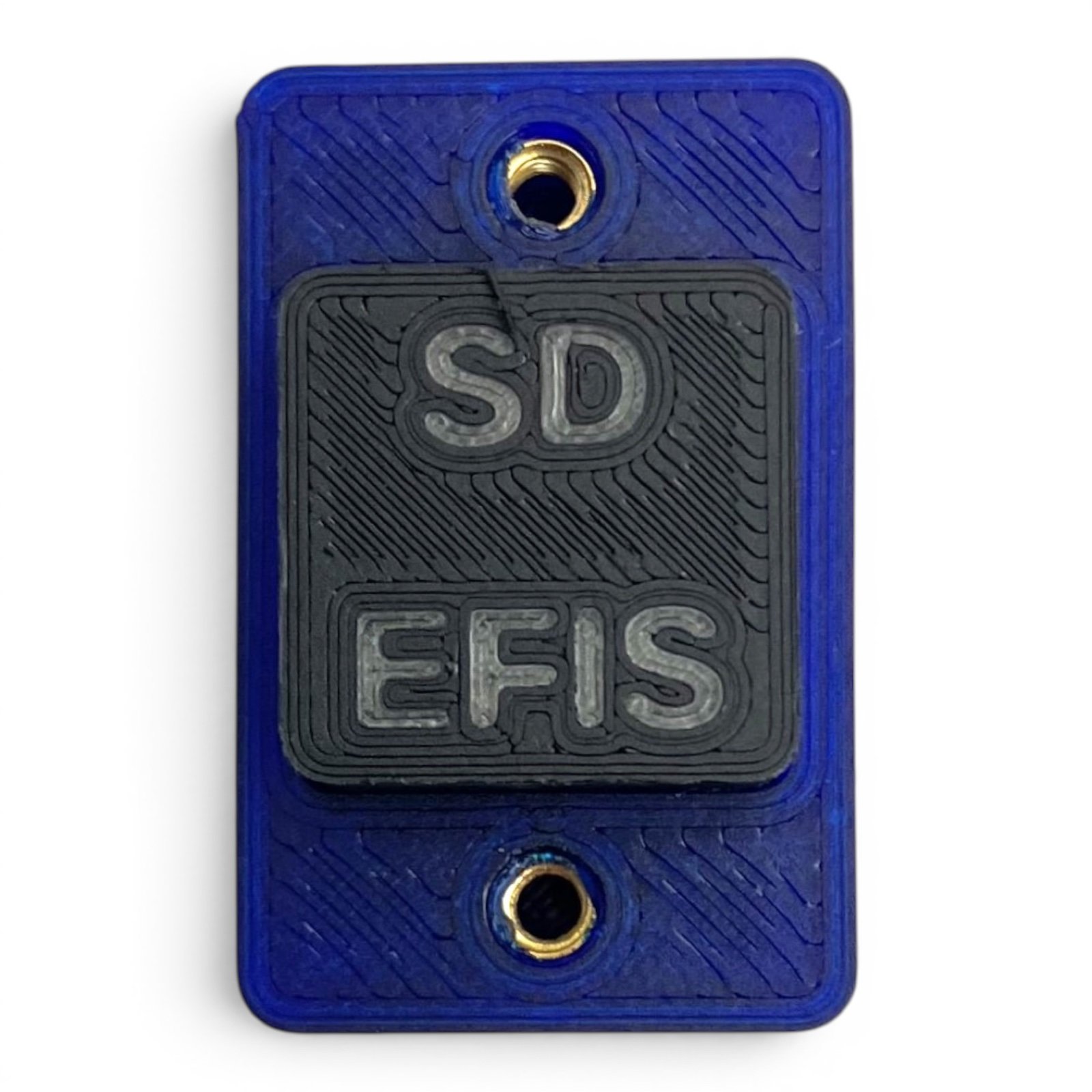
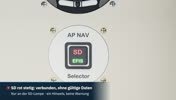
The SD Intelli-Switch brings the data sources of your SD-ProPilot-E into view: Two tri-color LEDs indicate at all times whether SkyDemon (SD) and your EFIS are providing valid navigation data and which source is currently controlling the autopilot. You select the source yourself using the button: As long as the Intelli-Switch is connected, the source only changes when you press the button. If you disconnect it, the adapter's automatic reversion to the original source is immediately restored.
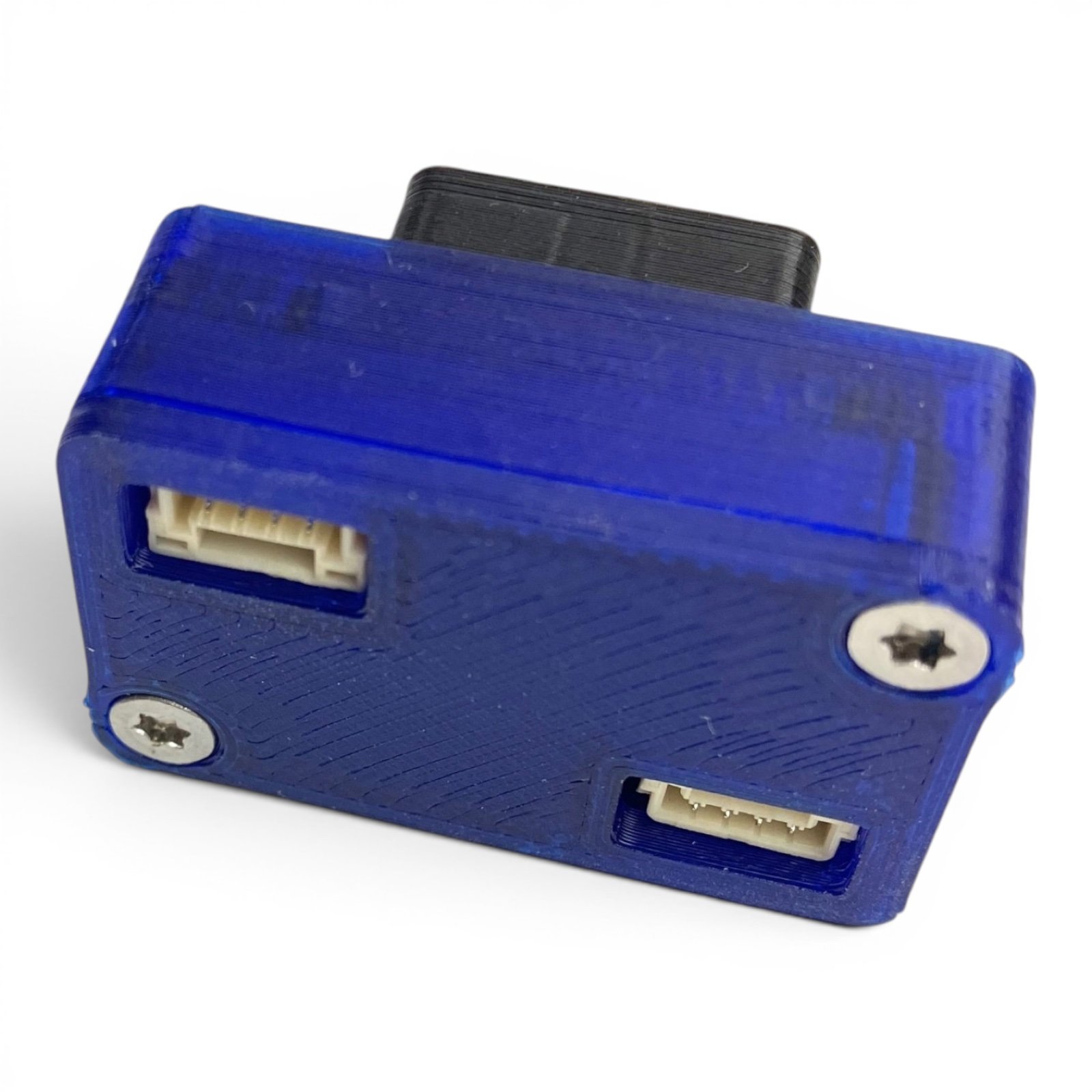
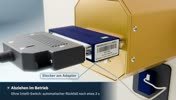
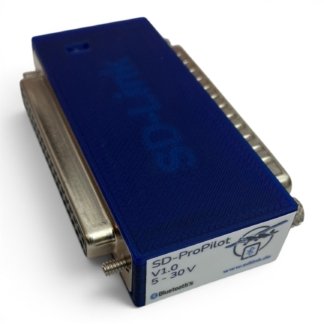
Installation takes just a few minutes: Every SD-ProPilot-E comes pre-wired from the factory. Simply remove the cover from the adapter, plug in the included connection cable, and mount the control unit in the panel—without removing the adapter or modifying your aircraft's wiring. The control unit is powered via the connection cable; no separate power supply is required.
The SD Intelli Switch is an extension for the SD ProPilot E and does not work independently.
Key Features
- Status display in the panel: Two tri-color LEDs (SD on top, EFIS on the bottom) — green = this source is feeding the autopilot, blue = data available, flashing red = the active source is not providing valid data, solid red (SD only) = a device is connected but not sending valid data, off = source not connected. Data is only valid with an active destination (route or direct-to).
- Manual source selection: Pressing a button switches between SkyDemon and EFIS, always — even to a source without data; its LED then flashes red, a second press switches back.
- You decide: If the active source fails, nothing switches automatically. Its LED flashes red, the autopilot receives no data, and if the other source is blue, you switch with a single press. Without Intelli-Switch, the SD ProPilot-E switches automatically to the remaining source after about 2 seconds, as before.
- Retrofitting is possible at any time: Connection under the adapter cover (pre-installed at the factory), power supply via the connecting cable — no separate connection to the aircraft, no changes to the existing wiring.
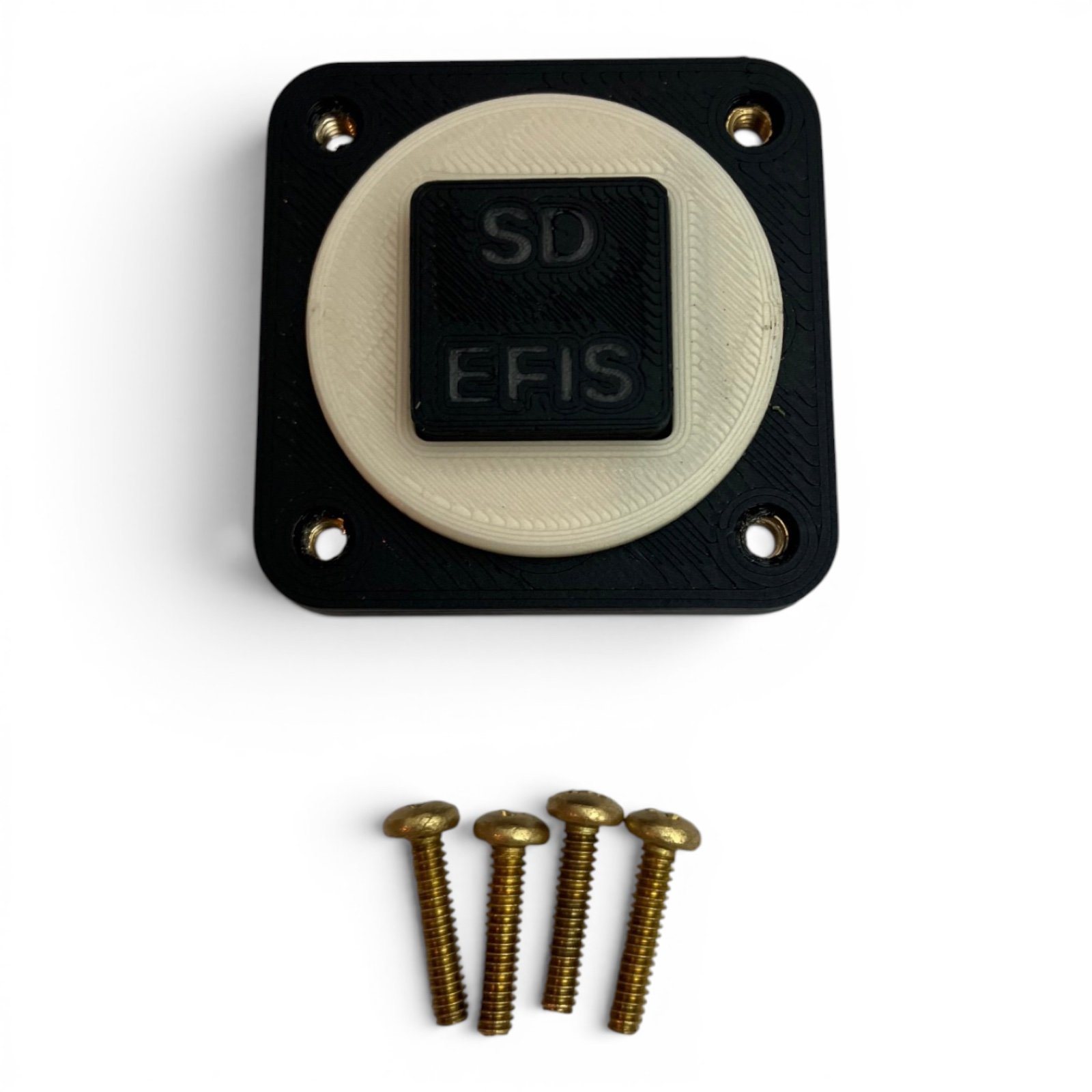
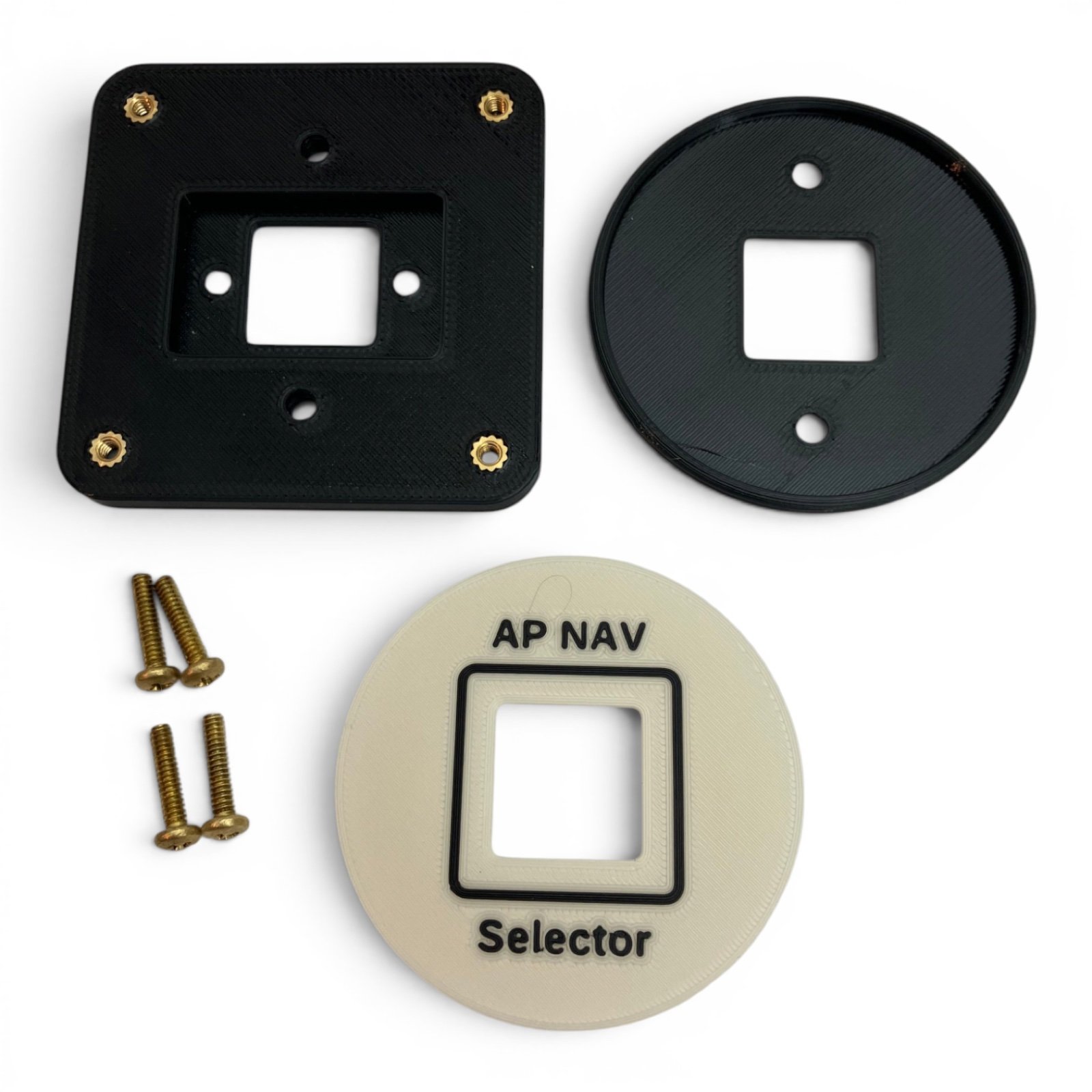
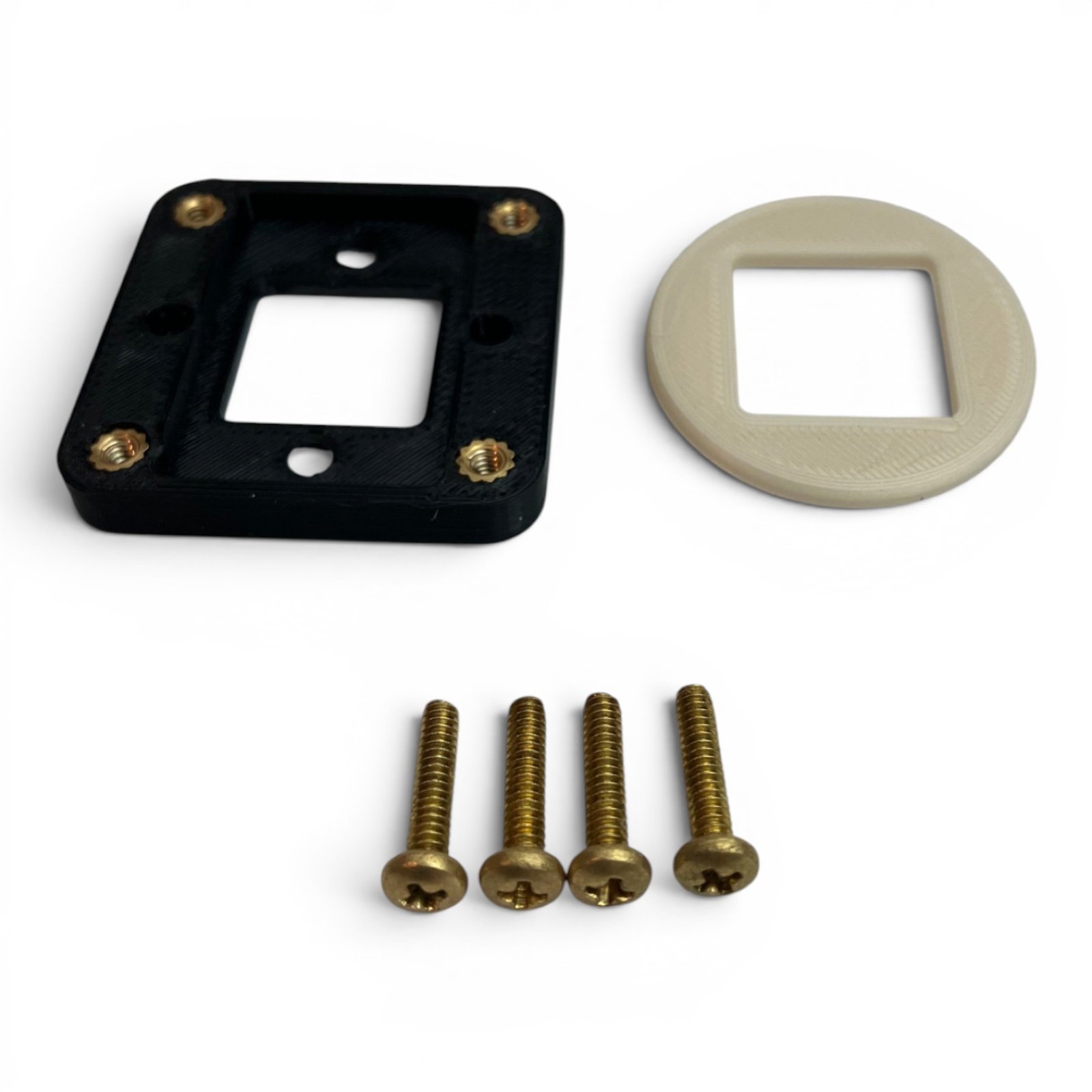
- Three options: without bezel for custom panel cutouts, with small mounting bezel for the micro-instrument cutout 37 mm (1,5 inch) or with large mounting bezel for the standard instrument cutout 57 mm (2 1/4 inch).
- Delivery: Control unit, connection cable to the SD-ProPilot-E, mounting material, the printed manual in your language (14 languages) and — depending on the variant — the appropriate mounting bezel.
Dimensions of the mounting bezels
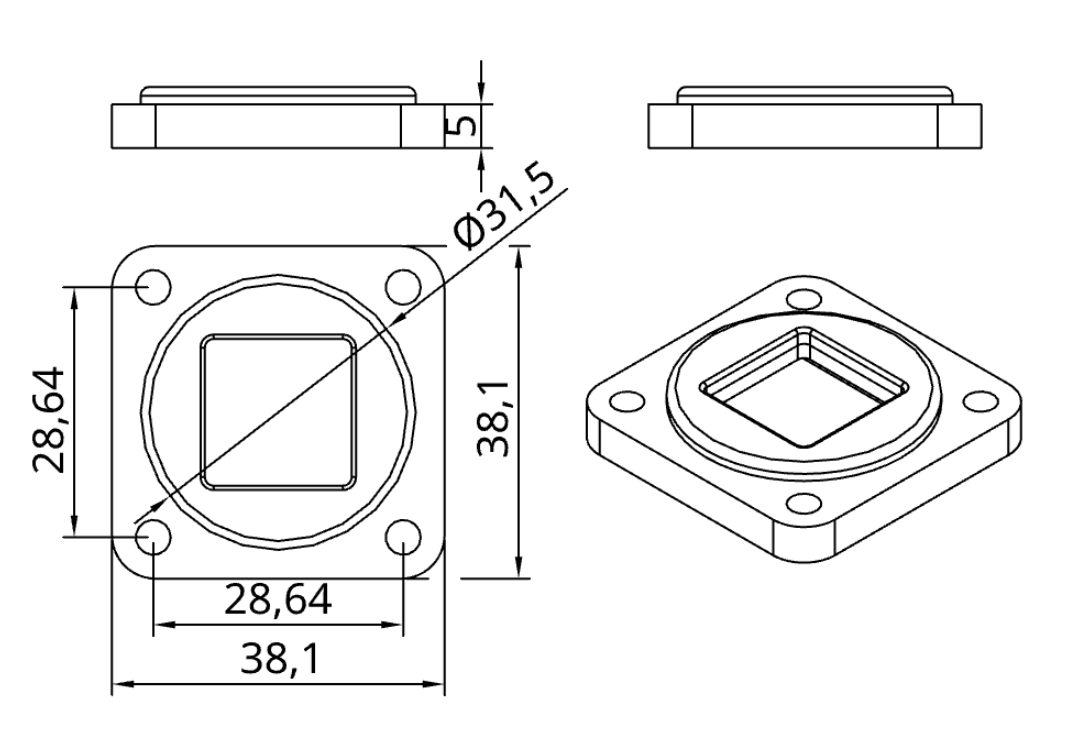
- Small aperture — 37 mm (1,5 inch, micro instruments): Plate 38,1 × 38,1 mm, hole spacing 28,64 mm, rosette Ø 31,5 mm, plate thickness 5 mm.
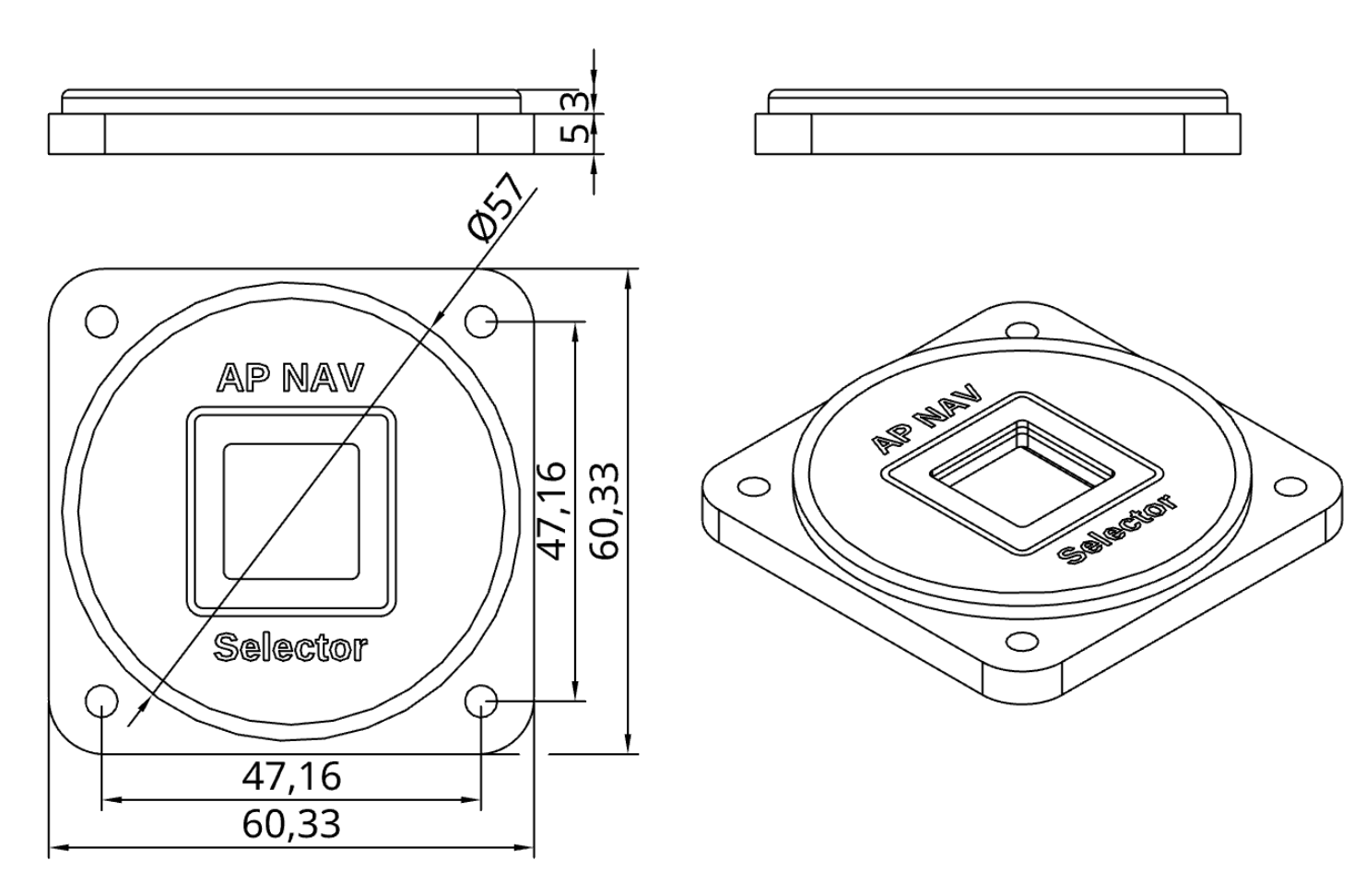
- Large aperture — 57 mm (2 1/4 inches, standard instrument cutout): Plate 60,33 × 60,33 mm, hole spacing 47,16 mm, front ring Ø 57 mm, 3 mm above the plate, plate thickness 5 mm.
Both covers are attached to the panel with four screws (square hole pattern). You can find the dimensional drawings for both covers in the image gallery.
Set advantage: If you order the Intelli-Switch together with the SD-ProPilot-E, the shopping cart will automatically deduct €19 — without any coupon code.
Important note: This product is intended for experimental purposes only. The SD-Intelli-Switch requires an SD-Link SD-ProPilot-E.

Reviews
There are no reviews yet.