






Description
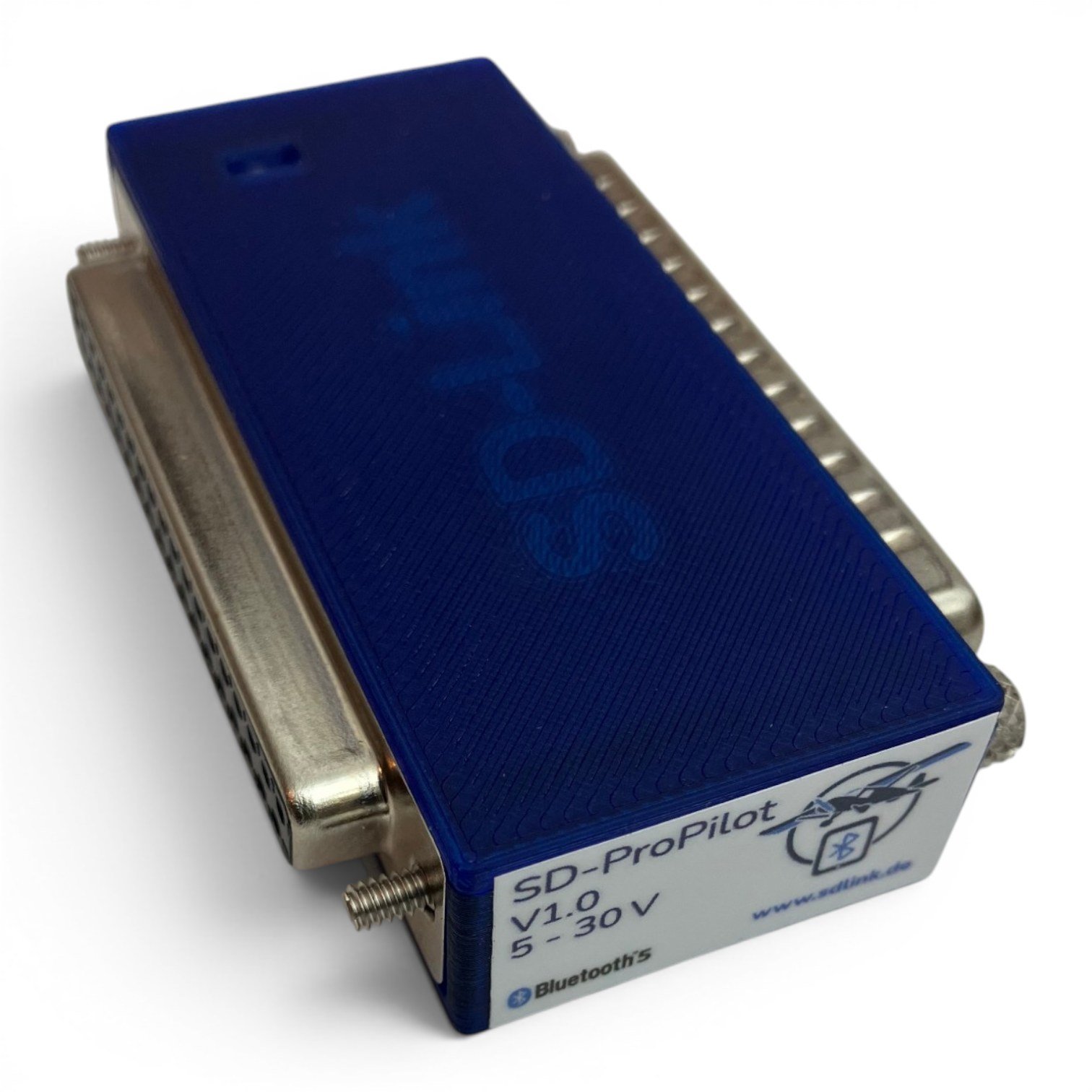
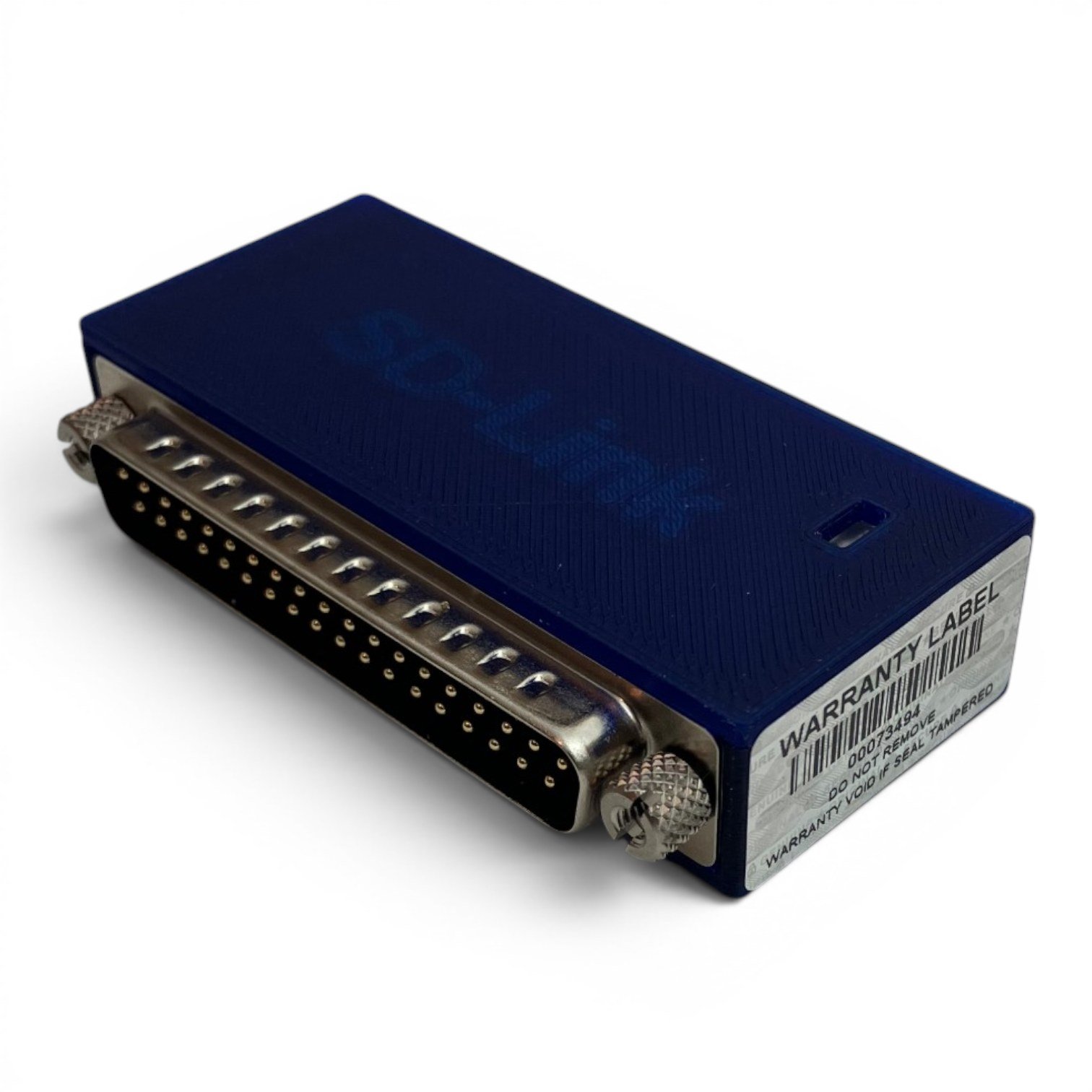
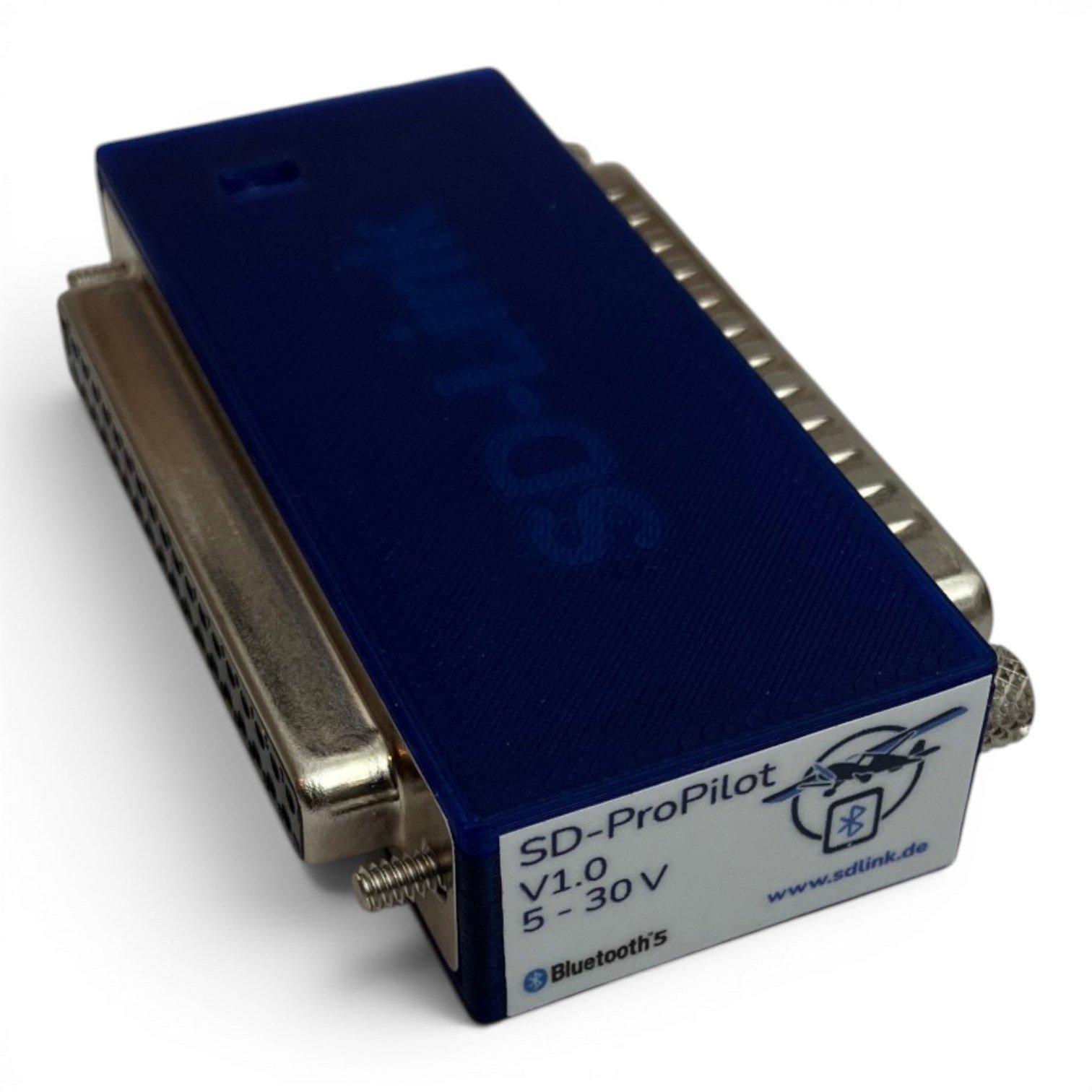
Trio ProPilot Bluetooth adapter (plug and play) for SkyDemon — SD-PROPILOT-E.
Trio does not offer a factory-installed way to supply the ProPilot with navigation data from an app. This adapter fills exactly that gap: Plug & Play, without any modifications to your existing wiring.
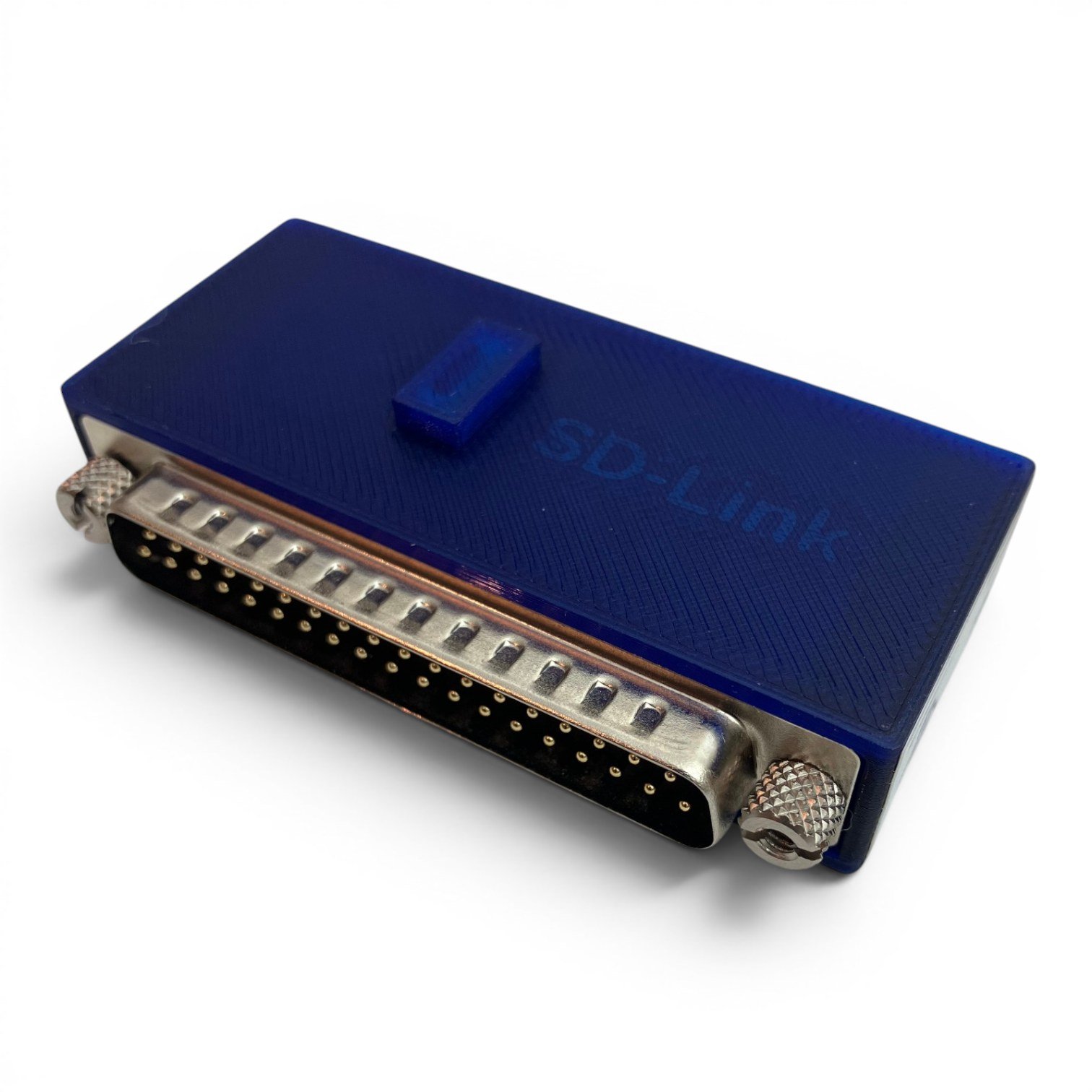
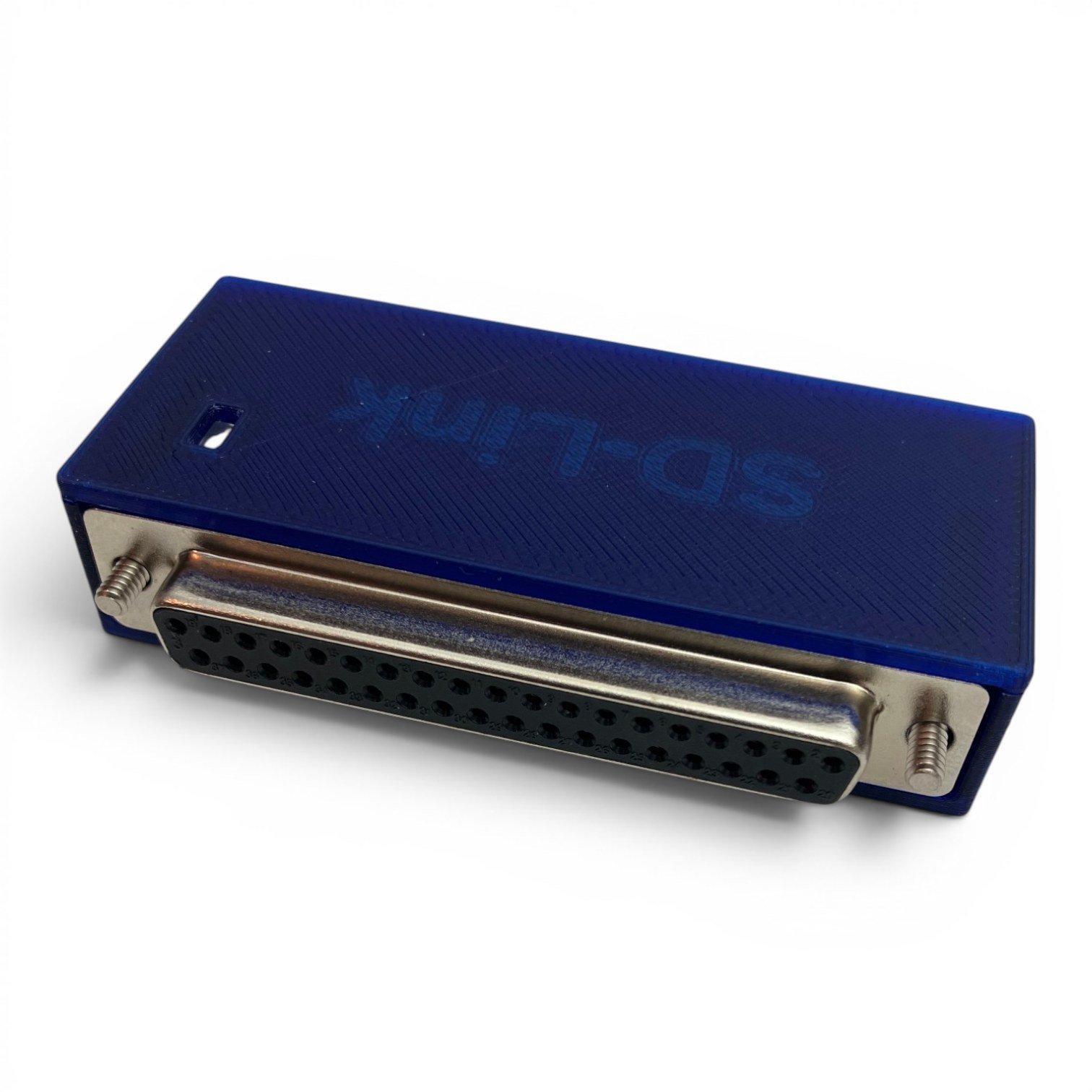
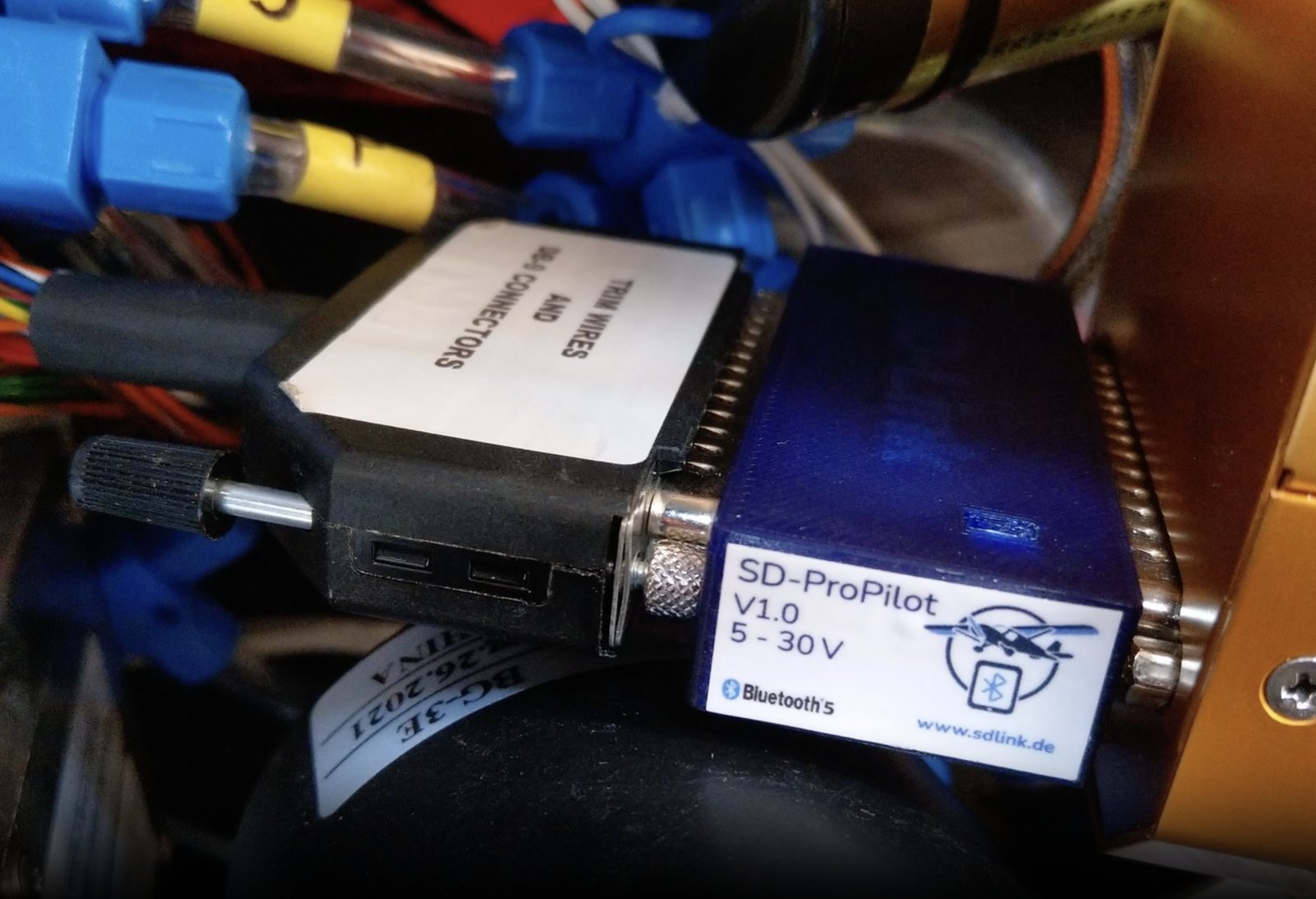
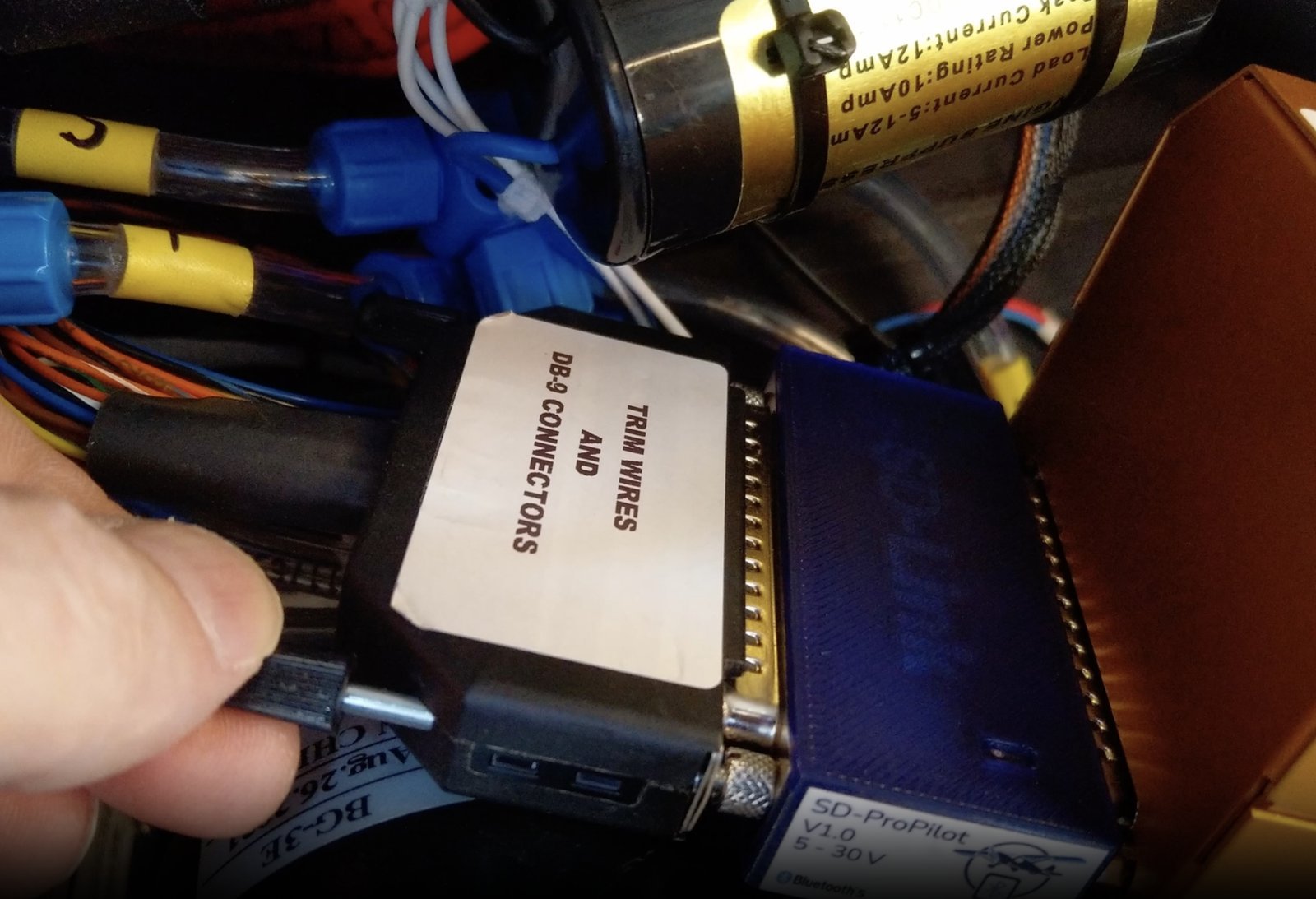
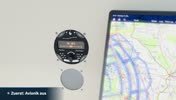
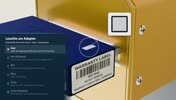
Control your Trio ProPilot directly from SkyDemon—no additional wiring required. Simply plug the adapter between the 37-pin IOC connector and your existing wiring—that's it. As soon as SkyDemon sends valid navigation data, the adapter takes over automatically; if the data stream is interrupted, it switches back to your existing GPS source after about 2 seconds. If no such source is connected or if it is not providing valid navigation data, the ProPilot displays the following message: NO GPS.
The adapter is compatible with the Trio ProPilot with serial NAV input (RS-232). It does not support the Trio EZ Pilot; an adapter for the EZ Pilot is under development: SD-Link EZ Pilot.
Key Features
- Compatibility: Designed for the Trio ProPilot with serial NAV input (RS-232, typically 9600 baud, configuration according to the TRIO manual). Not for the Trio EZ Pilot.
- Simple installation: Plug & Play on the 37-pin IOC connector — no soldering, no modification, all signals pass through 1:1.
- Automatic switching: SkyDemon data takes precedence; in case of connection loss, the system falls back to the existing GPS source in approximately 2 seconds—this source must deliver its navigation data serially in NMEA-0183 or aviation format (4800 or 9600 baud, 8N1). It also works without an existing source—in which case SkyDemon is the sole data source.
- Tested in flight: The adapter has been flight-tested with SkyDemon and the Trio ProPilot.
- Bluetooth 5.0: Internal BLE 5.0 module, designed for the long autopilot data sets (GPRMC, GPRMB, GPGGA).
- Requirements: Current SkyDemon version with autopilot output, NMEA output enabled and route enabled; pairing directly in SkyDemon ("Add Bluetooth Device"), not in the operating system's Bluetooth menu.
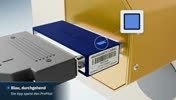
- Status display: Diagnostic LED inside the housing. The color indicates the source of the ProPilot's data: Blue = from the app, Green = from the EFIS or the existing GPS source, Red = no valid navigation data (no active destination). Flashing means: no mobile device connected via Bluetooth. The LED is for diagnostic purposes during installation, not as a cockpit indicator: Blue and green LEDs turn off 30 seconds after the last change, red remains on.
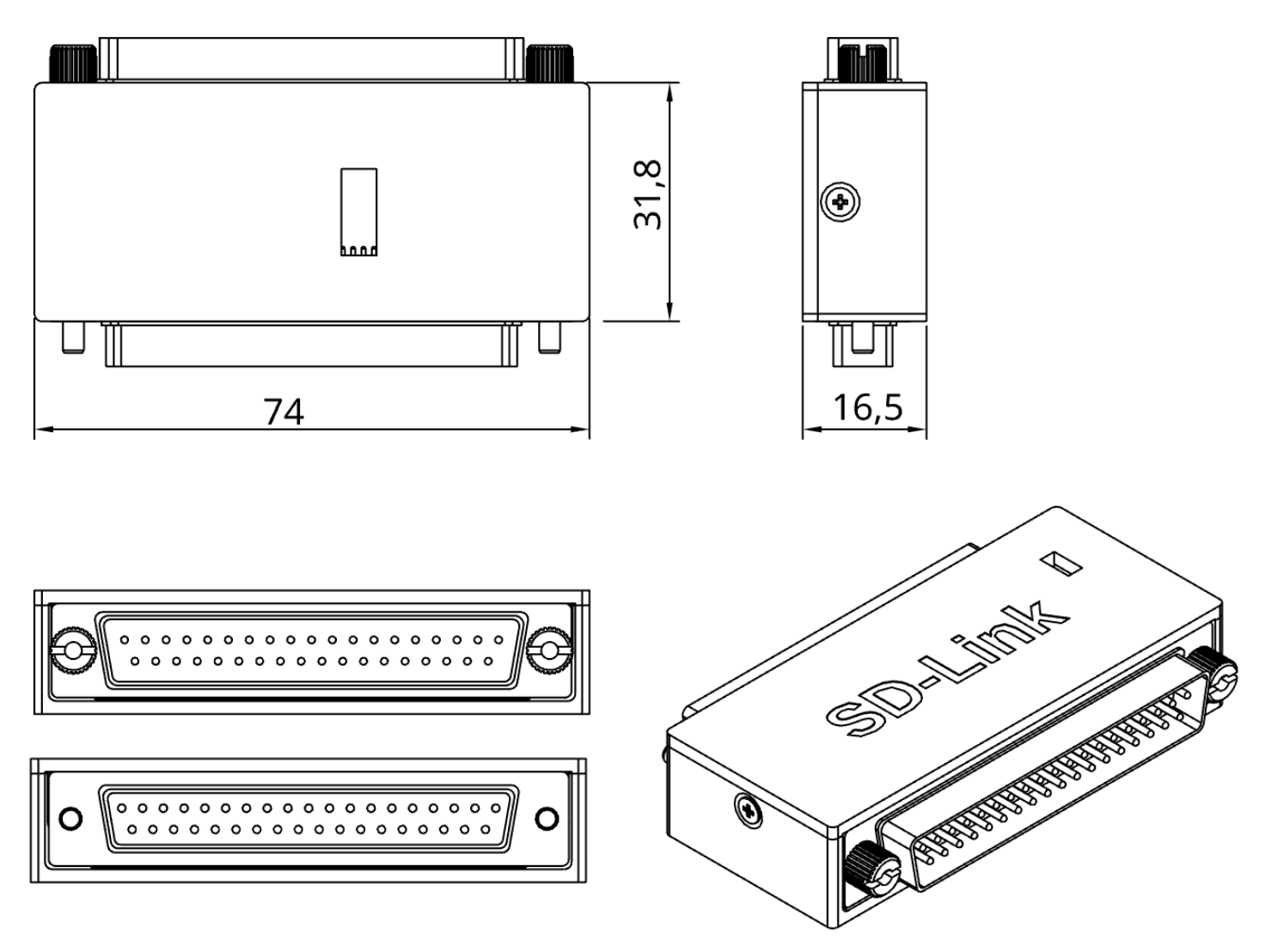
- Compact design: Dimensions 74 × 31,8 × 16,5 mm, Weight 80 gr.
- Delivery: SD-Link ProPilot-E and the printed installation manual in your language; the manual is available in 14 languages.
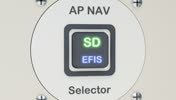
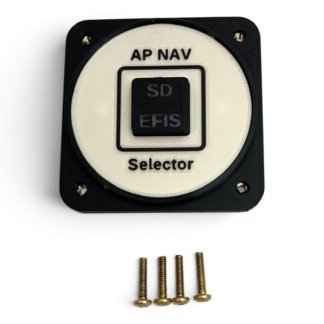
Optional accessory: The SD Intelli Switch brings source selection and status control directly to the panel — available without a faceplate, with a small 37 mm (1,5 inch) mounting faceplate, or with a large 57 mm (2 1/4 inch) mounting faceplate. The adapter also works fully automatically without it and comes pre-wired: The connection is protected under a cover — retrofitting is possible at any time. Save €19 with the set — the discount is automatically applied in the shopping cart. [Link to SD Intelli Switch]
Important note: This product is intended for experimental purposes only.

Reviews
There are no reviews yet.